Product description
Rola Mini Camera
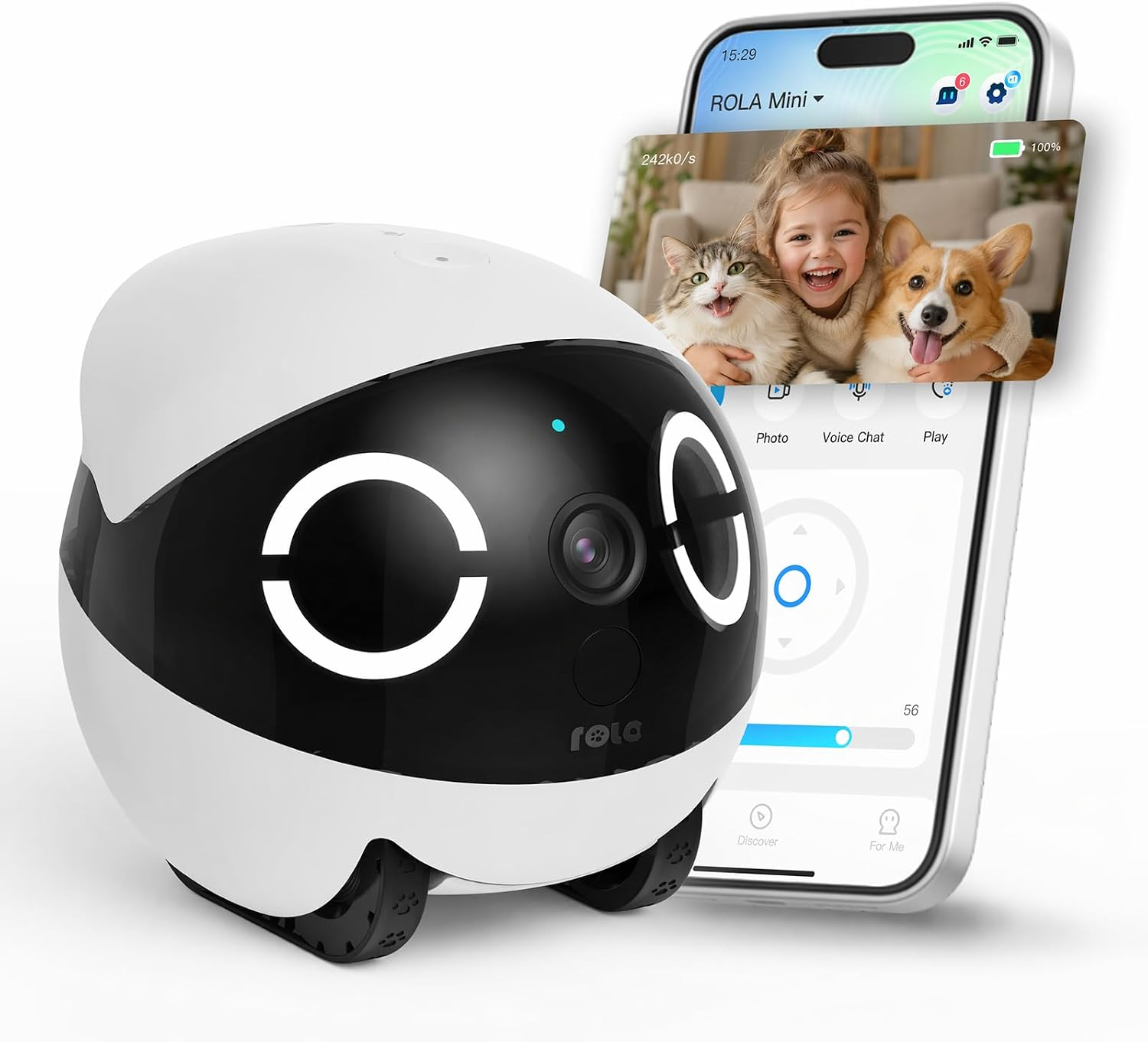
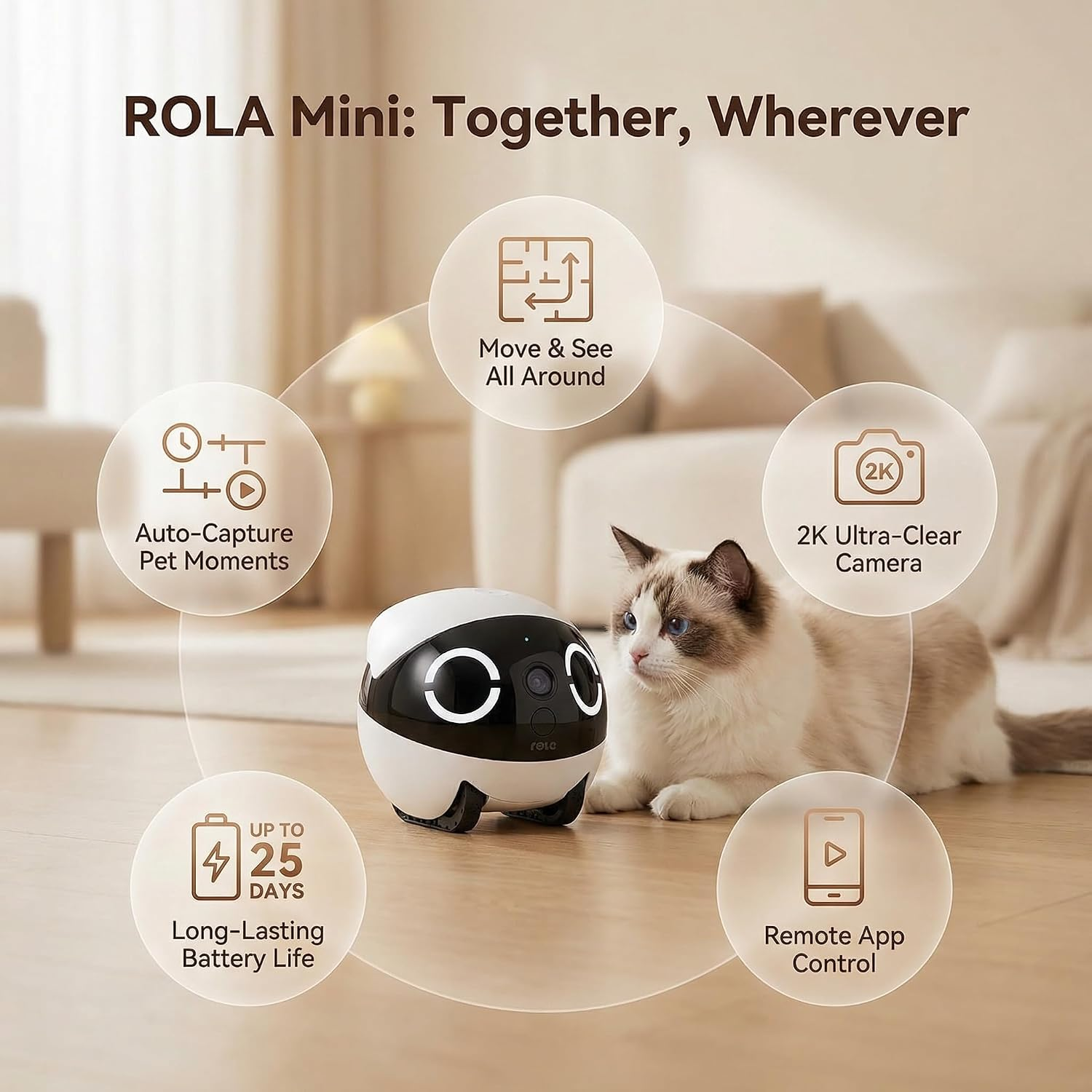
Experience ROLA Mini, our brand new movable camera robot featuring upgraded crystal-clear 2K camera and up to 25-day battery life.
-
Stay Connected Even When Away
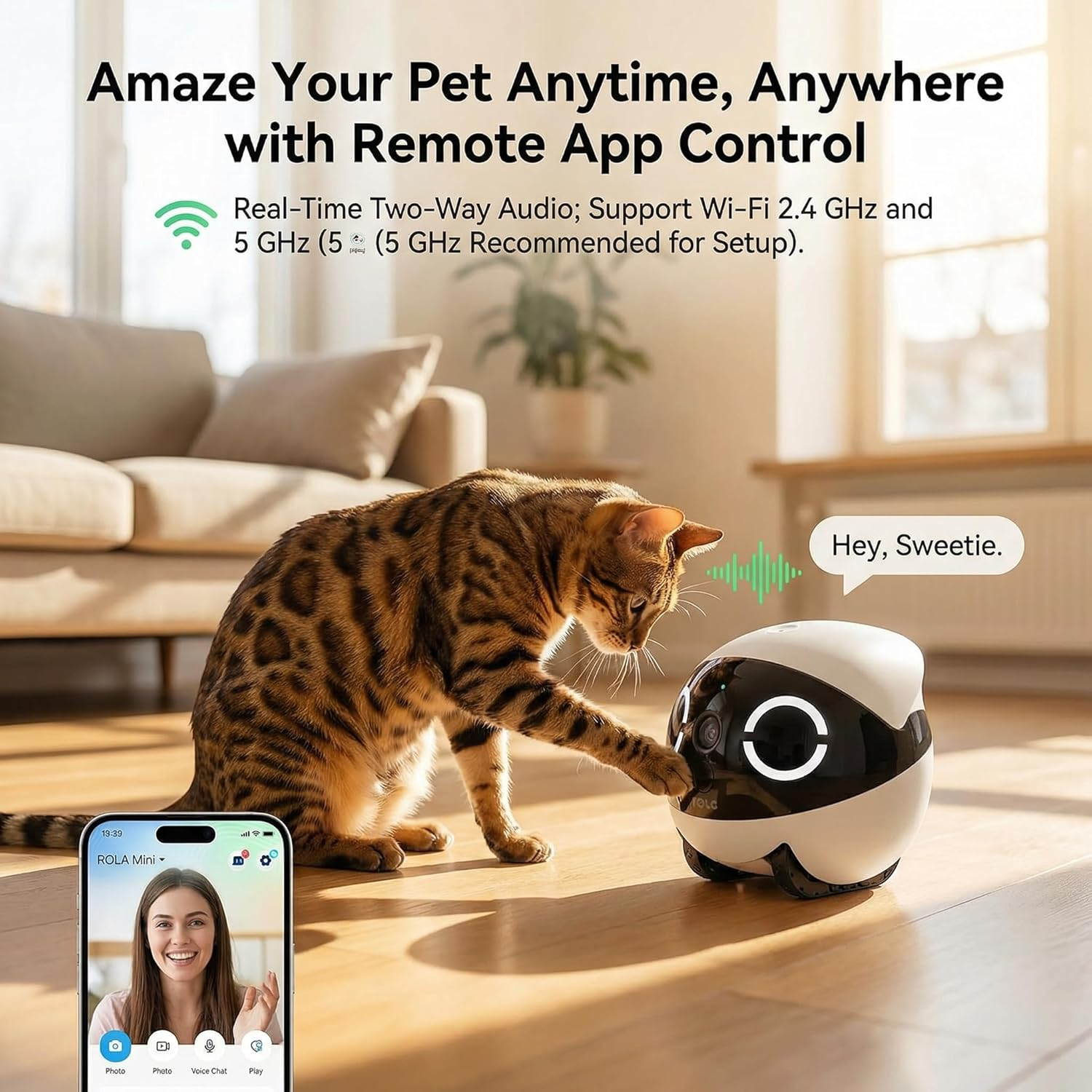
Movable Camera with Remote App Control
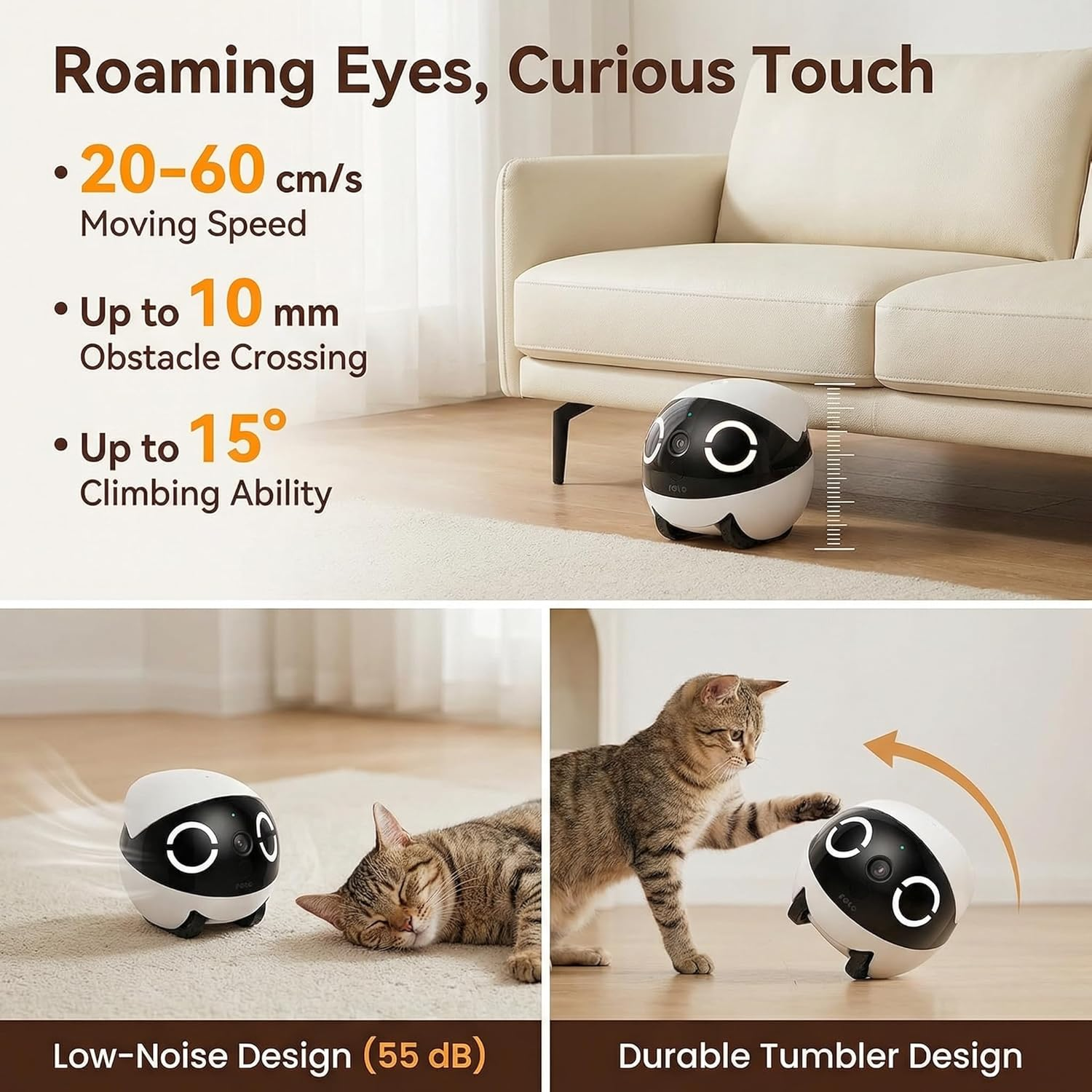
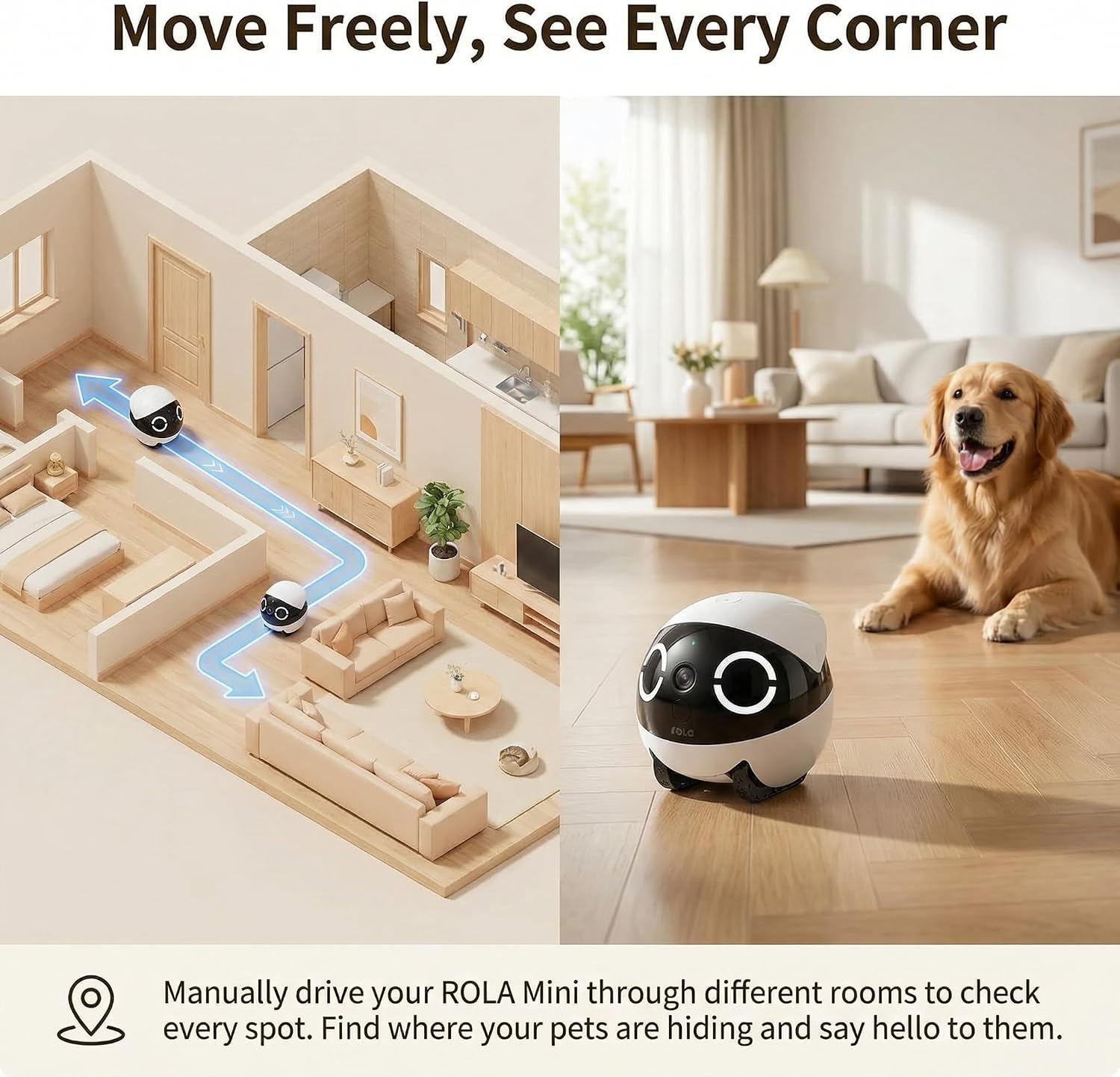
With upgraded mobility, ROLA Mini can cross obstacles up to 10mm high and climb slopes up to 15 degrees. Control your ROLA Mini across the house to track and see your pets and family with the ROLA App.Click to play video
-
Unfazed by Energetic Pets
Classic and Durable Tumbler Design
ROLA Mini quickly recovers its upright position even if knocked over by energetic pets, ensuring continuous operation in lively households.
-
See Clearly in Low-Light Conditions
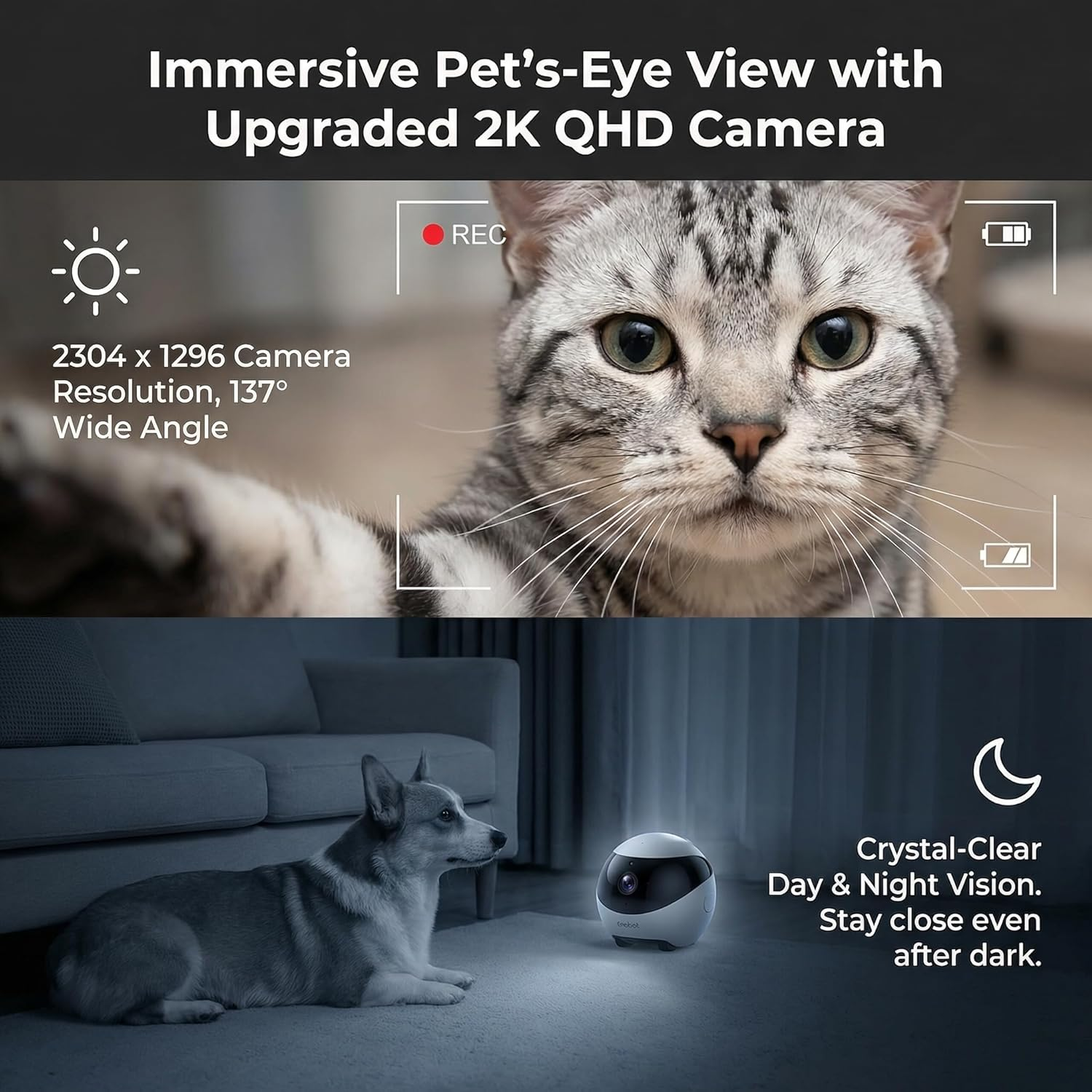
Crystal Clear 2K Camera with Night Vision
ROLA Mini is equipped with 4 infrared lights, enhancing its night vision capabilities.
-
Easy to Go After Charge
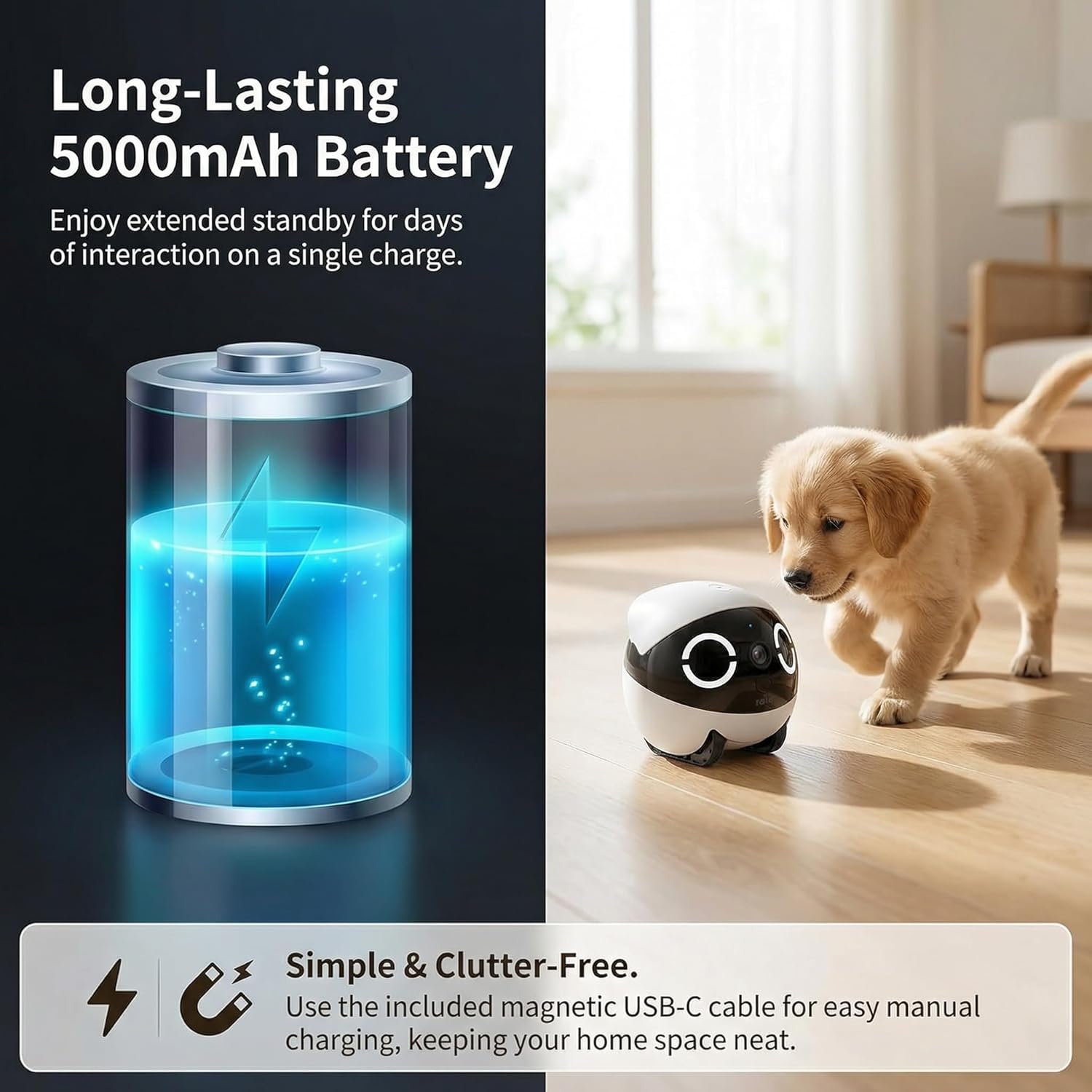
Magnetic USB-C Charging
Just snap ROLA Mini onto its magnetic charger, wait for a full charge, and it’s ready to go again – as easy as that.
Motion Detection Recording
-
How can I connect the ROLA Mini to my home Wi-Fi?
1. Download the ROLA App
2. Long-press the reset button until ROLA makes sound
3. Connect your phone to a 5GHz Wi-Fi
4. Select “ROLA Mini” in the app and follow the in-app prompts to connect
-
Can the ROLA Mini robot work on carpets?
ROLA Mini can move on low carpets and thin rugs that are up to 10mm thick.
However, it may struggle with thick carpets or soft fluffy rugs.
-
Why does my ROLA Mini make unexpected sounds?
When Wi-Fi connection is unstable, ROLA Mini will beep while attempting to reconnect.
To turn off these sounds, enable Do Not Disturb mode in Settings > Device Settings > Do Not Disturb.
-
Does the ROLA Mini support room mapping (like robotic vacuums) for automatic navigation?
No, it doesn’t support room mapping or fully automatic navigation.
-
Why does my ROLA Mini frequently disconnect or experience significant lag?
When the ROLA Mini moves too far from the router, the Wi-Fi signal may become unstable, resulting in network fluctuations.
If connectivity issues persist even near the router, please reach out to us through Amazon for further assistance.
ROLA Mini vs EBO SE
2K (2304×1296), 3MP |
Camera Resolution |
1080P (1920×1080) |
137° wide-angle |
Field of View |
D:118°H:98.5°V:62.5° |
4×IR LEDs, 0Lux |
Night Vision |
IR night vision |
5000mAh |
Battery Capacity |
2500mAh |
32GB included |
Storage Expansion |
16GB included |
15° |
Climbing Slope |
4° (smooth tile) |
4.57×4.57×4.33 inch |
Dimensions |
3.74×3.74×3.51 inch |
2K (2304×1296), 3MP |
Camera Resolution |
2K (2304×1296), 3MP |
137° wide-angle |
Field of View |
137° wide-angle |
4×IR LEDs, 0Lux |
Night Vision |
4×IR LEDs, 0Lux |
5000mAh |
Battery Capacity |
5000mAh |
32GB included |
Storage Expansion |
32GB included |
15° |
Climbing Slope |
15° |
4.57×4.57×4.33 inch |
Dimensions |
4.57×4.57×4.33 inch |
-
Enabot EBO SE
-
Enabot ROLA Mini
- 2K HD Clarity & 137° Wide-Angle Night Vision: Equipped with 4 infrared lights and 2304×1296 resolution, capture every delicate moment of pets and family day and night, no blind spots for indoor monitoring
- 5000mAh Long-Lasting Battery & Magnetic Charging: Up to 25 days of standby with 10 mins daily use, magnetic USB-C charging for one-click fast power up, no auto-recharge for a tidy home space
- Smart Remote Control & Flexible Mobility 20-60 cm/s moving speed, cross 10mm obstacles and climb 15° slopes, manual control via ROLA App to check every corner of the house, work on thin carpets
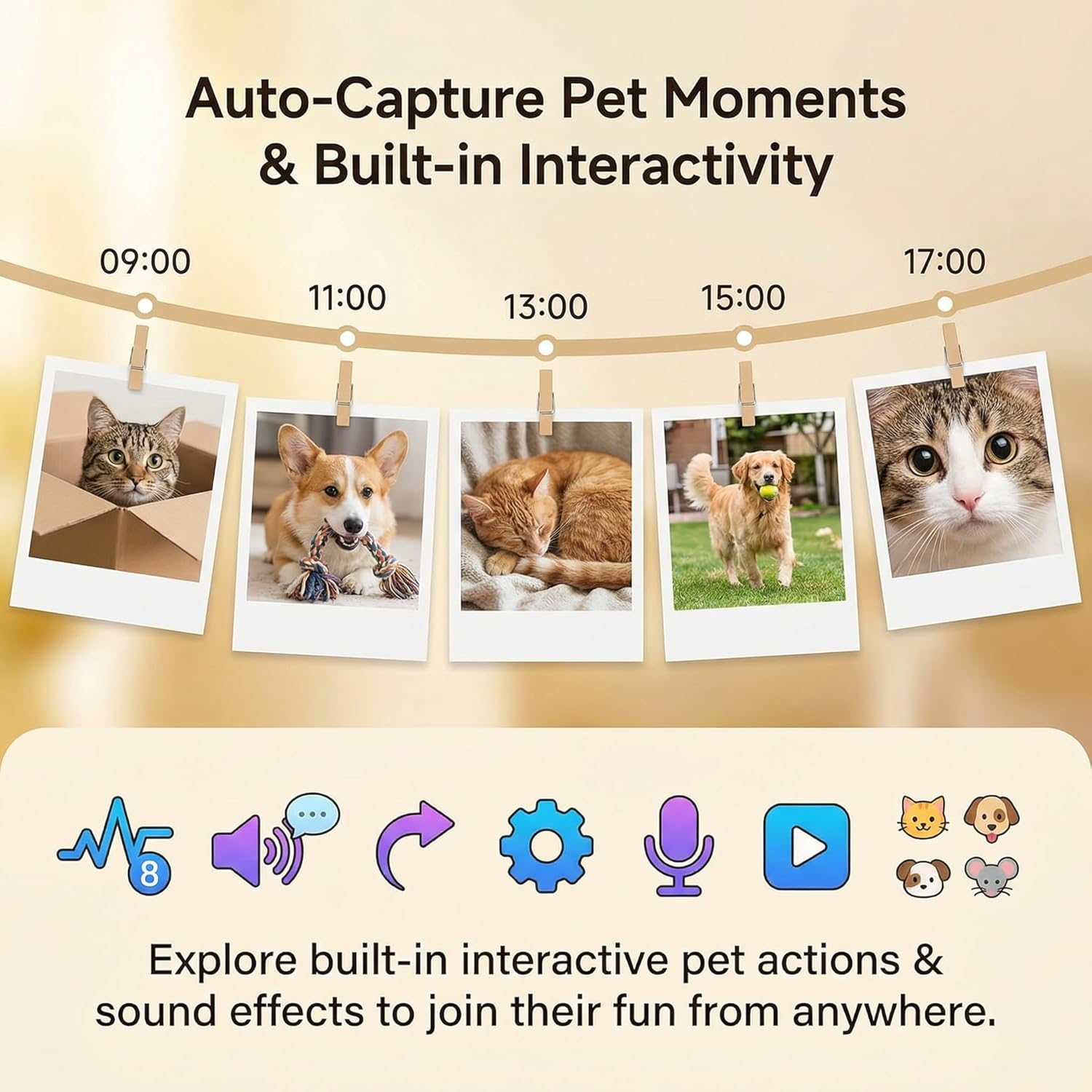
- Real-Time Interaction & One-Touch Call Two-way clear audio and one-touch call function, built-in interactive pet sounds, stay connected with pets and family anytime anywhere
- Tumbler Design & Multi-Security Protection Self-righting body recovers quickly when knocked over by pets, support 5G/2.4G Wi-Fi, multi-user permission management, real-time app operation alerts
- Note on Charging: To keep your home space simple and clutter-free, ROLA Mini does not support auto-recharge. Simply use the included magnetic cable for easy manual charging
- Tips for Initial Setup: ROLA Mini supports both 5GHz and 2.4GHz Wi-Fi. But for the smoothest first-time setup, we recommend 5GHz. If your router is dual-band, please try separating the bands
Reviews
There are no reviews yet.